Hangar/Stack

Where Grok Bot fits

Grok is chat. Build makes software. A Bot is a teammate that keeps working after you close the laptop. The marketplace is the shop. Hangar is the floor around it.

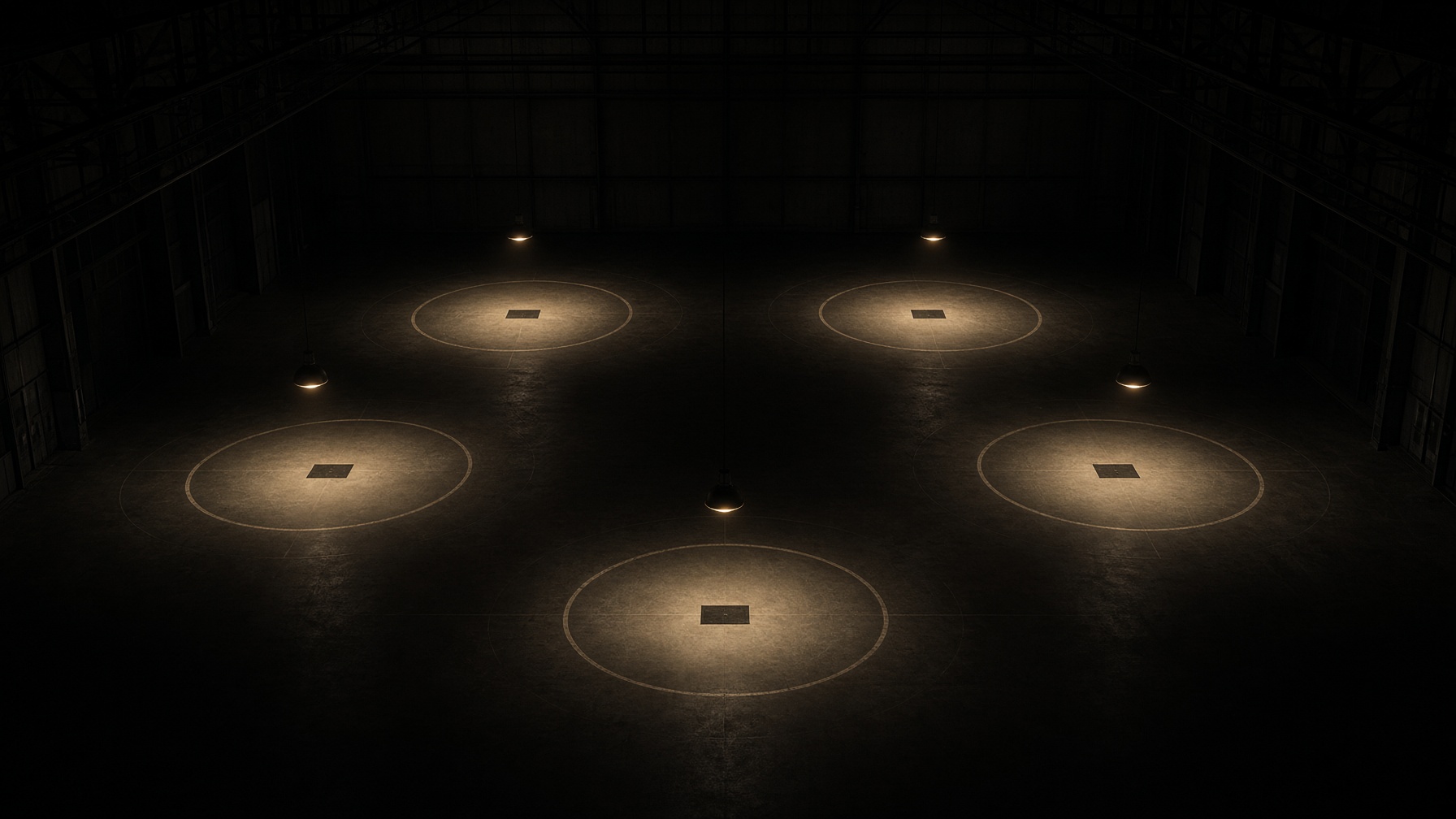
Five lit stands on the hangar floor — the map has five legs

Which piece

Five tools. Hangar works the Bot floor — crews around the shop. Tap a card, then read the map.

The map

Chat, teammate, builder, workshop, pictures. Don’t mix them up.

  1. 01 · The engine

    Grok

    The model you talk to — in the Grok app, on X, or in a box you type into. It answers while you are there.

    Use it when

    A question, a draft, a one-off. You are at the keyboard. When you leave, it stops.

    Not when

    Not a teammate. It has no computer, no schedule, no overnight work.

  2. 02 · The teammate — Hangar is the floor

    Grok Bot

    An always-on agent with its own cloud computer, tools, files, and routines. It keeps the job after you close the laptop.

    Use it when

    One named job that keeps going: research by 6am, a watch on X (connect X, leave posting off), a handoff in Files. Give it one job. Pair it with others as a crew. The marketplace adds a bot. Hangar says which three, and what to cut.

    Not when

    Not a chat thread. Not a website. If you have to sit there for it to work, it is still just Grok.

  3. 03 · The builder

    Grok Build

    A coding agent that writes, runs, and publishes software — including this site. You describe the app; it ships a grok.me.

    Use it when

    A site, a dashboard, a tool people open in a browser. Hangar itself is a Build.

    Not when

    Not a worker that emails leads at 6am. When the app is built, Build is done. A Bot would run the app’s work.

  4. 04 · The workshop

    API & Code

    Grok in your own software — console.x.ai, Cursor, the coding models. You wire the engine into a product you already own.

    Use it when

    A Floor check inside Hangar. A feature in your app. Batch jobs you control.

    Not when

    Not a person-shaped teammate. No shared Files folder unless you build one.

  5. 05 · Pictures and clips

    Imagine

    Grok’s image and video generator. Still frames, edits, short clips.

    Use it when

    A share card, a banner, a product shot. Hangar’s hangar photo came from here.

    Not when

    Not a bot. A bot may call Imagine. Imagine does not run a crew.